Accounts and plans
Registering takes an email address and a password, or a single click with Google. No card is required.
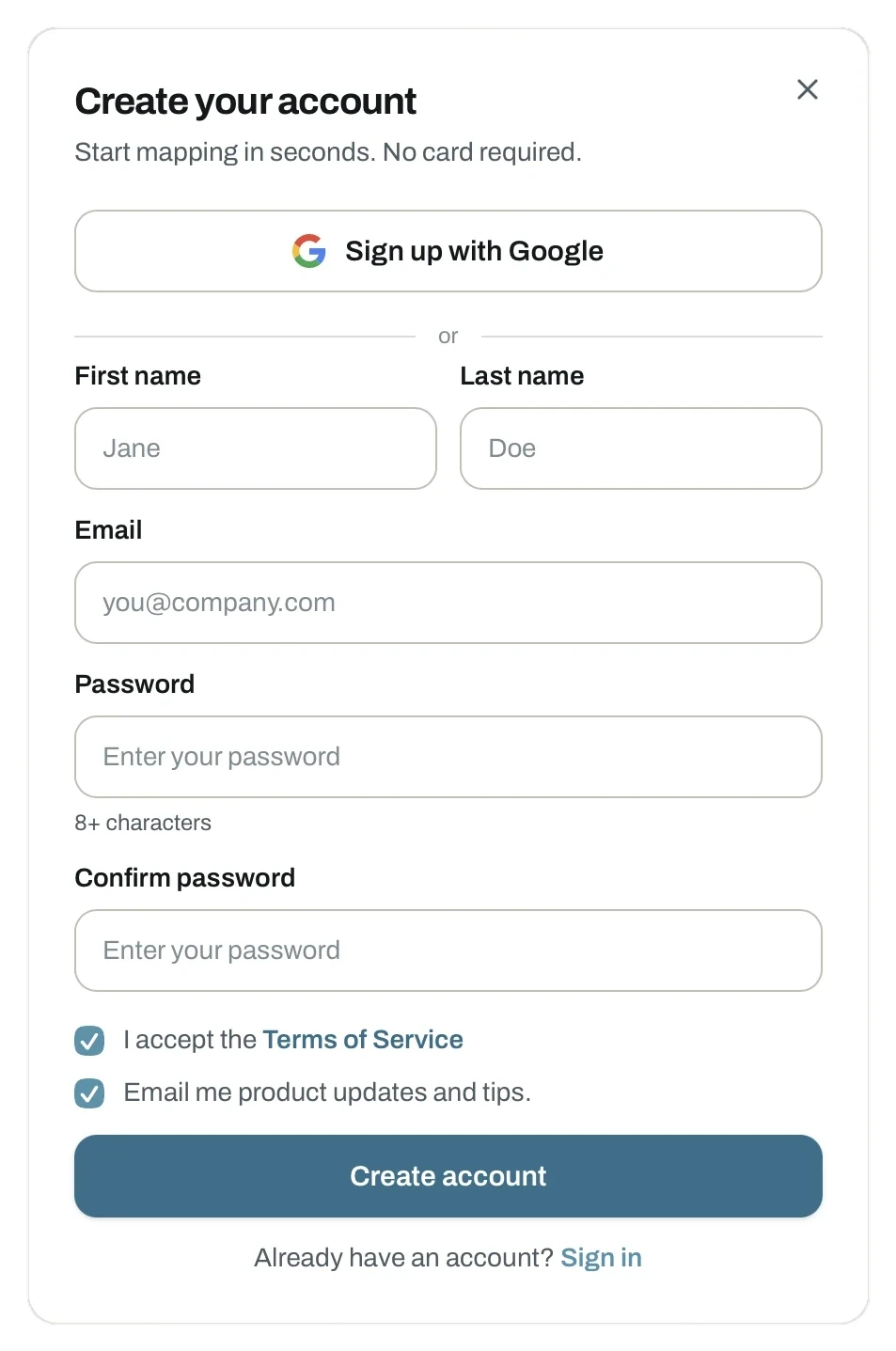
The form asks for your name, email address and a password of at least eight characters. You also accept the terms, and choose whether you want product updates by email.
Sign up with Google skips all of it.
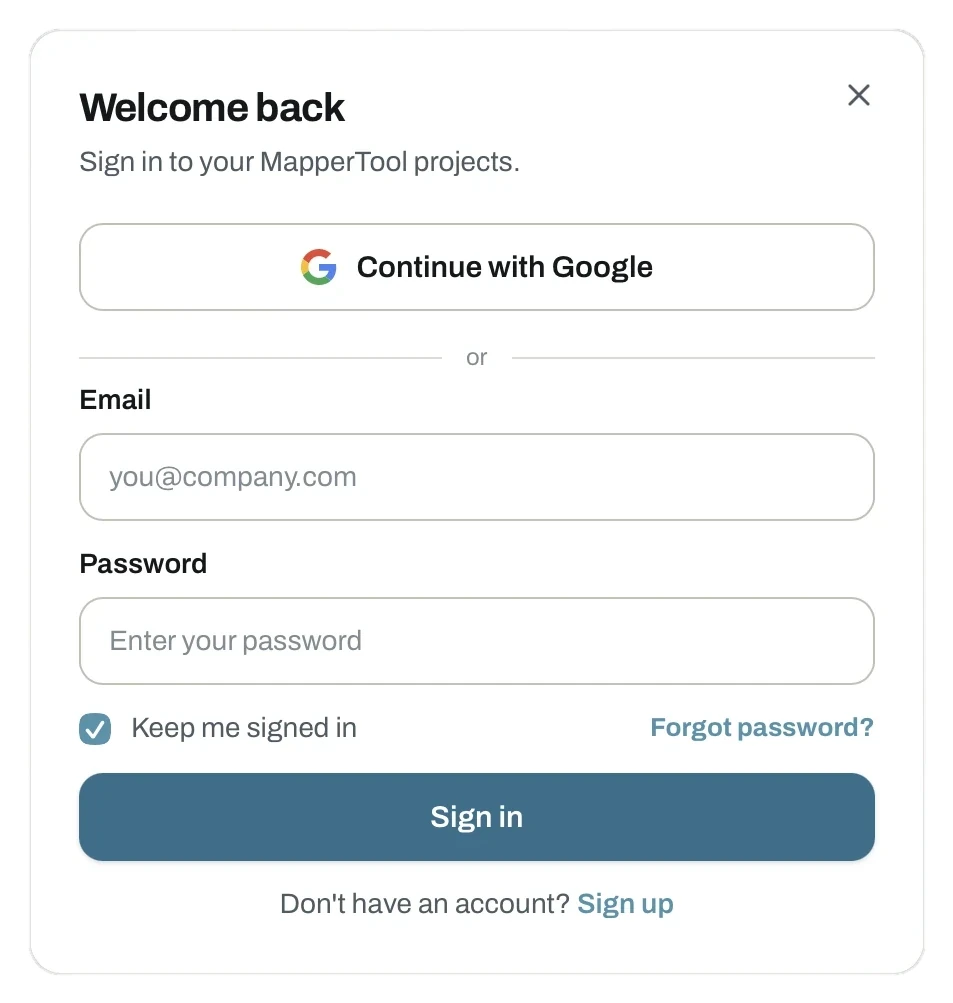
Signing in afterwards works the same way, with Keep me signed in so you do not have to repeat it on your own machine.
A password reset link is there if you need one.
You start on Free
Every new account is placed on the Free plan automatically. No card, no trial period, no expiry on the account itself.
The Free plan runs the same pipeline and produces the same outputs as the paid plans. What differs is capacity:
- How many images a project can hold.
- How long projects and raw images stay stored.
- Whether the high quality level is available.
Upgrading
Three plans are available: Free, Plus and Pro. You can switch at any time from the plans page in the app.
- See pricing for what each plan controls.
- Current prices are on mappertool.com/#pricing.
High resolution processing is available on the Plus and Pro plans.
Projects started before registering
Uploading and the quality check work without an account, but processing does not. If you already uploaded a dataset from the home page, register in the same browser session and it moves into your dashboard, ready to process. See starting without an account.